03 / 10

The menu assistant

Say what you want in your own words. It does the work.

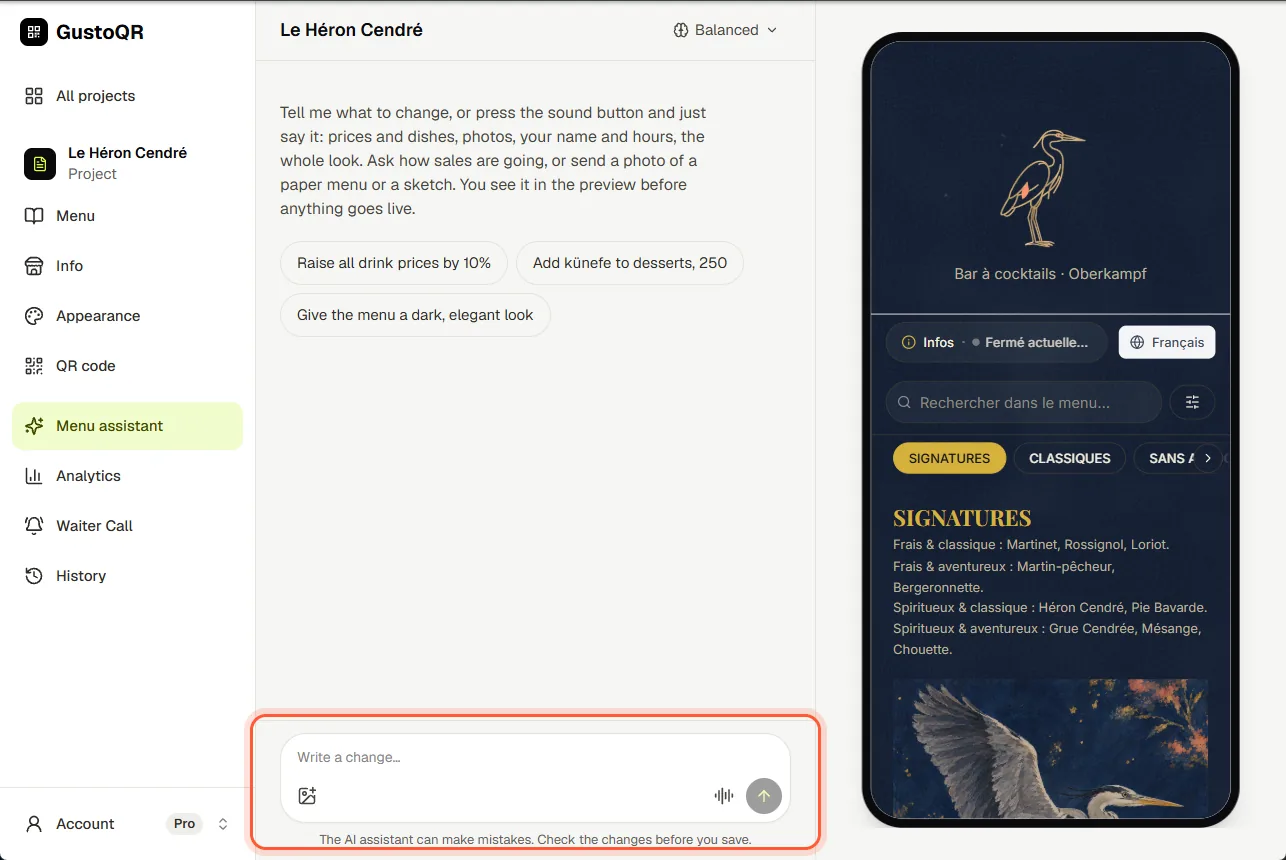
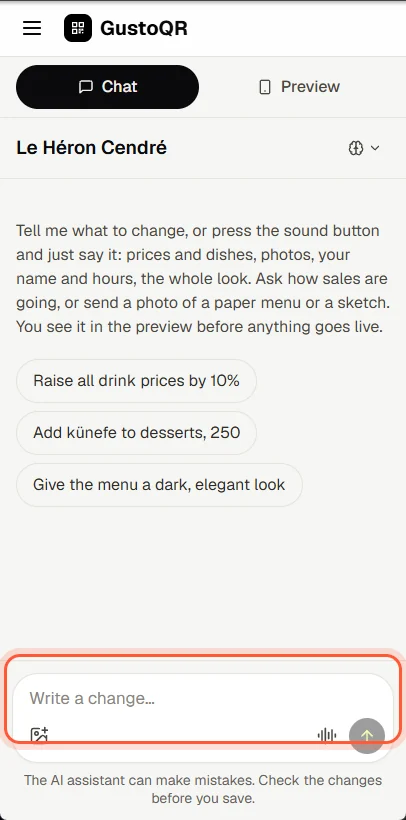
Ask the menu assistant

  1. Open Menu assistant.
  2. Write what you want, for example: raise all drink prices by 10%. Or tap Talk and say it.
  3. Look at the change in the preview. If it is right, tap Save and publish.

The assistant uses AI credits. Pro comes with 250 a year, and you can buy more.
Ask the menu assistantAsk the menu assistant

Let the assistant set up your menu

  1. It opens by itself when you create a menu. For an empty menu, tap Set up with AI on its card in All projects.
  2. The assistant looks at what is there and asks short questions, one at a time. Tap an answer or write your own.
  3. For your dishes, send a photo of your paper menu, give it your website, or let it fill the menu for you.
  4. At the end, tap Save and publish. Your menu is live and your QR code is ready to download.

Setting up uses AI credits from your account.

Better photos with AI

  1. Open Menu assistant and tap Add a photo to send a photo of a dish.
  2. Say what you want: brighter, a cleaner background, or a new photo drawn from the dish's name.
  3. Before it starts, it tells you how many credits it uses. Then save the change as usual.

Next · 04

The look of your menu

Still stuck?

Write to us in the chat. A person at GustoQR reads it and answers you.