05 / 10

Your business details

Opening hours, phone, Wi-Fi and the languages of your menu.

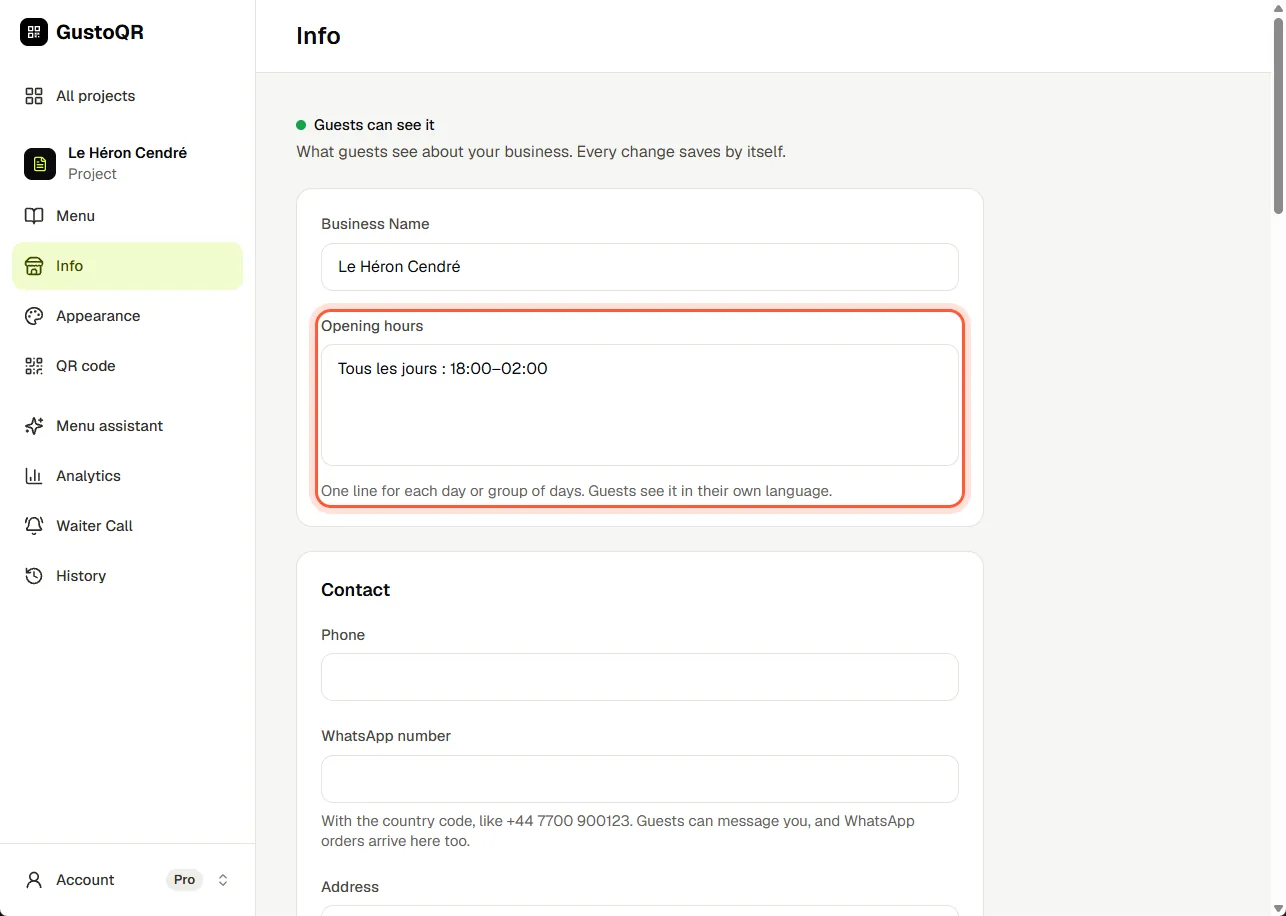
Change your opening hours

  1. Open Info.
  2. Under Opening hours, write one line for each day or group of days, for example: Mon-Fri 09:00-22:00.
  3. There is nothing to save. It saves by itself.
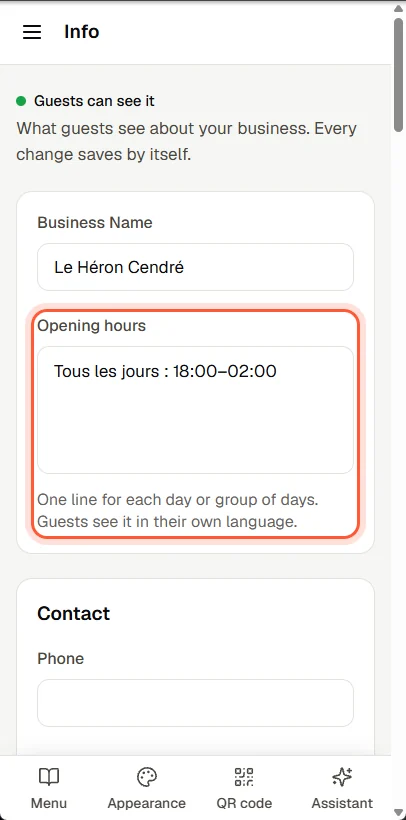
Change your opening hoursChange your opening hours

Phone, WhatsApp, address and Wi-Fi

  1. Open Info and fill in what you want guests to find: phone, WhatsApp, address, booking link, Wi-Fi name and password.
  2. Leave a box empty and guests simply do not see it.

Add a language

  1. Open Info and scroll down to Menu Languages.
  2. Tap each language you want to add.
  3. GustoQR translates the menu by itself. Guests see it in the language of their phone and can switch at any time.

To correct a translation, tap the three dots beside the item in Menu and choose Translate.

Next · 06

QR code and printing

Still stuck?

Write to us in the chat. A person at GustoQR reads it and answers you.