Get your QR code
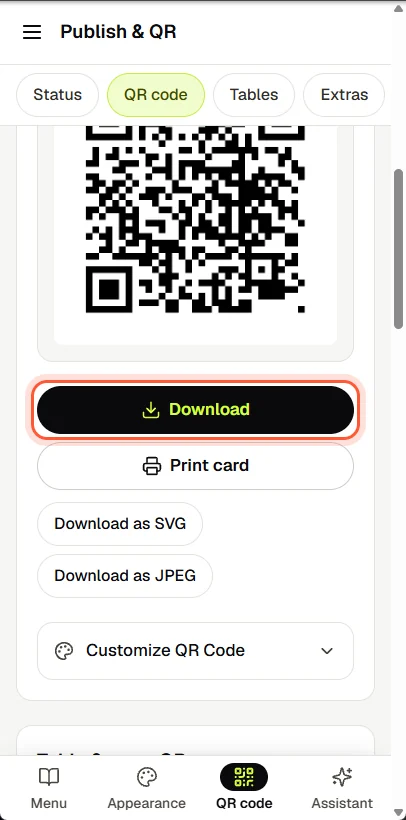
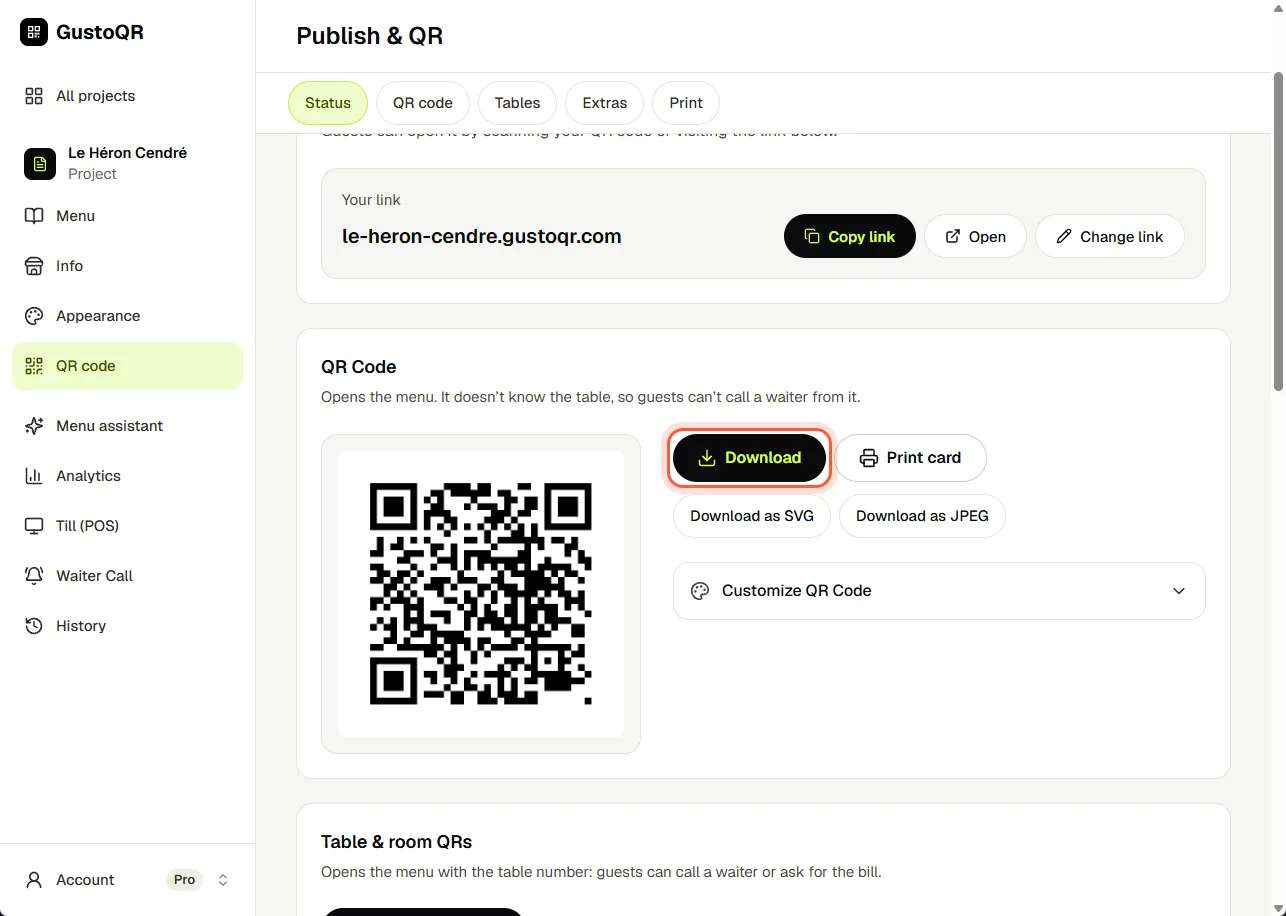
- Open QR code.
- Tap Download to save the code as a picture.
- Put it on your tables, your door or your counter. Guests point their phone camera at it and the menu opens.


06 / 10
Your code, your menu's web address and cards to print.


Next · 07
Orders
Write to us in the chat. A person at GustoQR reads it and answers you.